
TikTok · Instagram Reels · YouTube Shorts
Find song from video
Paste a TikTok, Reel or Short link, or upload a clip — we'll name the song in seconds.
- Free to find the song
- No app
- Only pay for a match
 The clip you saved
Somewhere along the coast.
original soundYour song, found

Afterglow
Coastline · Late summer
Illustrative result · fictional song & artwork
From a link to a song title in three steps
- 01
Paste a link or upload a clip
Copy the share link from TikTok, Instagram or YouTube Shorts and paste it above. No link? Upload the video or audio file.
- 02
We listen to the actual audio
ClipMelody fetches the clip, cuts 12 seconds of its soundtrack and matches the audio fingerprint against a catalogue of tens of millions of songs — the music you hear, not the label the uploader picked.
- 03
Listen on your favourite app
See the title and artist, plus album details, cover art and a preview when available. Use the listening links to search on Spotify, Apple Music or YouTube, and save the result link for later.
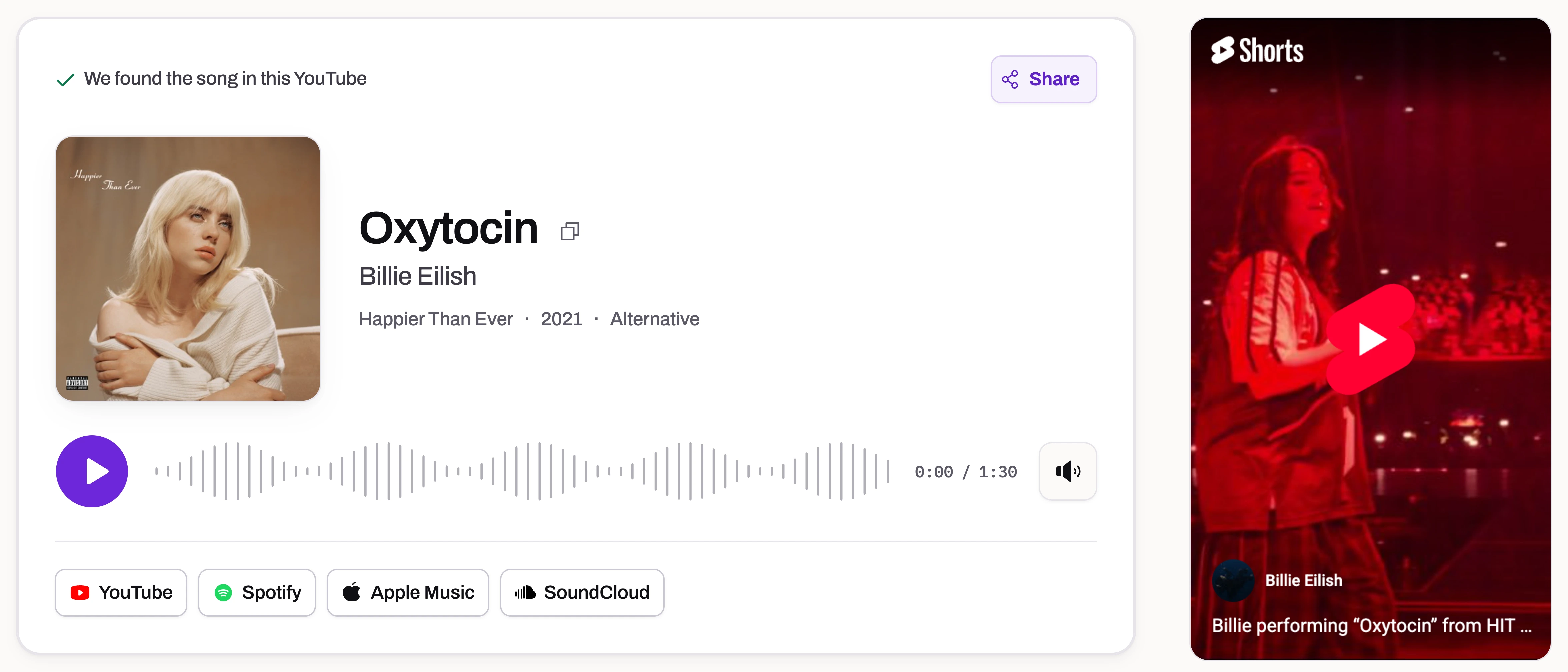
Find a song from any video
Afterglow — CoastlineIllustrative result · fictional song & artwork
Works with social links
TikTok videos, Instagram Reels and YouTube Shorts — paste the link straight from the share sheet, short links included.
Upload any clip
MP3, M4A, WAV, MP4, MOV or WebM from your camera roll or desktop — screen recordings included, up to 50 MB of video or 25 MB of audio. We only need the first few seconds of music.
Hears through “original sound”
Plenty of videos relabel a real song as “original sound”. We identify the music in the audio itself, so the label doesn't fool it.
Fast results
Most songs come back in 5–20 seconds. A clip that was already identified opens instantly.
Only pay for a match
Finding the song is free. Seeing its name uses one credit — a miss costs nothing.
Choose the clearest route to your song
Start with the video you already have
Have a public link? Open the TikTok song finder, Instagram song finder or YouTube song finder for that platform's instructions. Copy the individual video's address, rather than a profile, playlist or sound page. If the video is saved on your phone, upload the clip to identify its background music. A screenshot cannot supply the audio needed for a match.
Put the music near the start
Choose a section where the song is easy to hear, with as little talking as possible. For a saved recording, trim out a long spoken introduction before uploading. YouTube links read audio near the beginning; adding a timestamp does not move the search to that point. When the song starts later, upload that short section instead. Listen to a screen recording first to check that it actually contains sound.
Use the result as a starting point
Compare the title and artist with what you hear, and play the preview when one is available. A match may name the source recording behind an edit, rather than that exact remix. If nothing matches, try a clearer passage or check the creator's caption and comments for credits. Save the result link to return to the answer, then use the listening links to search your preferred music service.
What it can and can't find
Audio fingerprinting is very good at one job — naming recorded music — and we'd rather you knew its edges before you try.
Finds
- Released songs playing in the background of a video
- Some sped-up, slowed or lightly remixed recordings; heavily altered versions may not match
- Songs under talking, if the music is clearly audible
Won't find
- Humming, whistling or your own singing
- Unreleased snippets and songs that only exist on TikTok
- Live versions and covers that differ from the recording
- Private, deleted or age-restricted videos
For anyone who heard a song and needs its name
- Listeners
- The song stuck in your head from a TikTok you scrolled past — found and saved to your playlist in one tap.
- Creators and editors
- Find the exact track behind a trend before you use it, and check the version you're about to cut to.
- DJs and curators
- Pull the source track out of a remix, mashup or sped-up edit going around this week.
- Marketers
- See which songs are carrying the videos in your niche, with a link you can drop into a brief.
Pay once or subscribe — 1 credit is 1 song
$2.99
One-time payment · $0.03 per song
- 100 credits added instantly
- About 100 songs identified
- Credits expire after 12 months
$9.99
One-time payment · $0.02 per song
- 500 credits added instantly
- About 500 songs identified
- Credits expire after 12 months
$19.99
One-time payment · $0.01 per song
- 2,000 credits added instantly
- About 2,000 songs identified
- Credits expire after 12 months
Every plan includes
- Find songs from video links and uploads
- No match? No credit used
- Your full song history on every device
- Preview, then listen on Spotify, Apple Music or YouTube
Finding a song is free; a credit is used only when you unlock a match. Re-opening a song you already unlocked is always free.
Frequently asked questions
How do I find a song from a TikTok video?
Open the video in TikTok, tap Share, then Copy link. Paste the link into the TikTok tab above and press the arrow. ClipMelody fetches the video, listens to its audio and shows the song title, artist and links to listen.
What song is this video playing?
To find a song from a video, paste its link above or upload the file, and ClipMelody will identify the song in its audio: title, artist and where to listen. It works with TikTok, Instagram Reels and YouTube Shorts links, and with MP4, MOV and WebM files you upload.
Can I find the song in an Instagram Reel or YouTube Short?
Yes. Paste the Reel's link (instagram.com/reel/…) or the Short's link (youtube.com/shorts/… or youtu.be/…) into the matching tab. Regular YouTube video links work too.
Do I need to install an app or create an account?
No app, ever, and no account to find a song. You sign in when you unlock one, and each unlock uses a credit. A miss costs nothing.
What if the video says “original sound”?
We don't rely on the label. We identify the music in the video's own audio, so a song that was re-uploaded as “original sound” is usually still found. When the platform does label the sound, we show that label separately.
Why couldn't it find my song?
The clip may be speech or an original creation, the song may be unreleased, or the music may be too quiet under talking. No credit is used when there's no match.
Can I identify a song by humming?
Not yet. ClipMelody matches recorded music, so humming, whistling and singing usually won't match.
How long does it take?
Usually 5–20 seconds. Links that someone has already identified open instantly.
How do credits work?
Finding a song is free, and one credit unlocks one song we found — a miss costs nothing. Buy a one-time pack that lasts a year, or subscribe for a monthly allowance at a lower price per song.
What happens to files I upload?
Uploads are used only to identify the song and are deleted automatically within a day. We never publish them.
Find any song, right now
Paste a link from TikTok, Instagram or YouTube Shorts.
Free to find · no app · only pay for a match